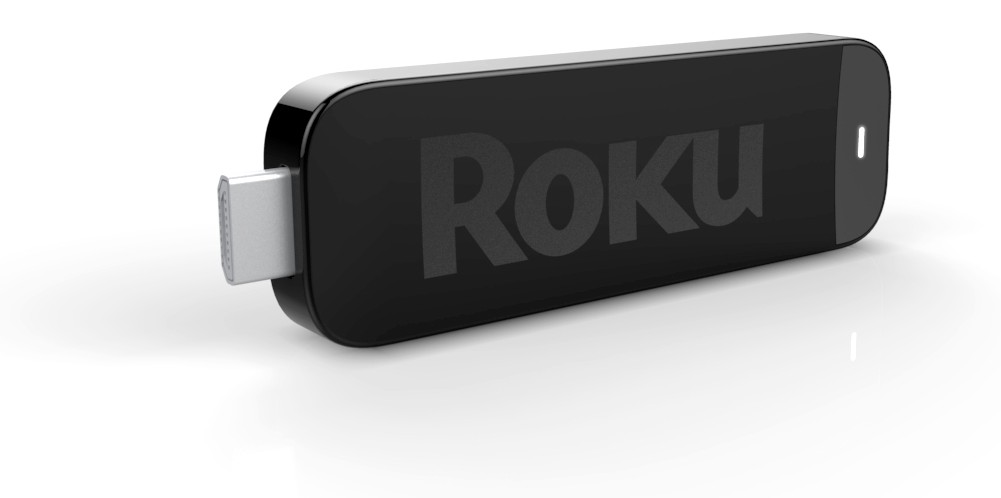
If you thought the existing Roku 2 boxes were small, wait until you get a load of the Roku Streaming Stick. Announced today on the Roku Blog to get a jump on CES, and intended to ship later this year, the Roku Streaming Stick looks like a USB drive. But it isn’t – instead of a USB connector on the end it has an HDMI connector, and it is actually MHL – Mobile High-definition Link. MHL is a mobile industry standard to allow smartphones to connect to MHL-enabled devices and provide HD content while receiving power from the device. On mobile devices MHL generally uses the microUSB connection on the phone and an MHL-enabled HDMI port on the TV. (There are also external MHL adapters available which will translate MHL to HDMI and provide power to the phone via the adapters power supply.) The actual signalling is neither USB nor HDMI, but unique to MHL, it just repurposes the connectors.
Right now only a few HDTV models from Toshiba and Samsung have MHL-enabled inputs, but it is expected that many vendors will be announcing 2012 models at CES with MHL support as usage is exploding on mobile devices. Since it uses the physical microUSB port already on the device for data and charging it eliminates the need for a separate microHDMI port, and this makes it easier to shrink the size of the device while also reducing parts count and therefore cost. As part of the announcement Roku states that they already have a deal with Best Buy to bundle the Streaming Stick with a new Insignia HDTV model later this year.
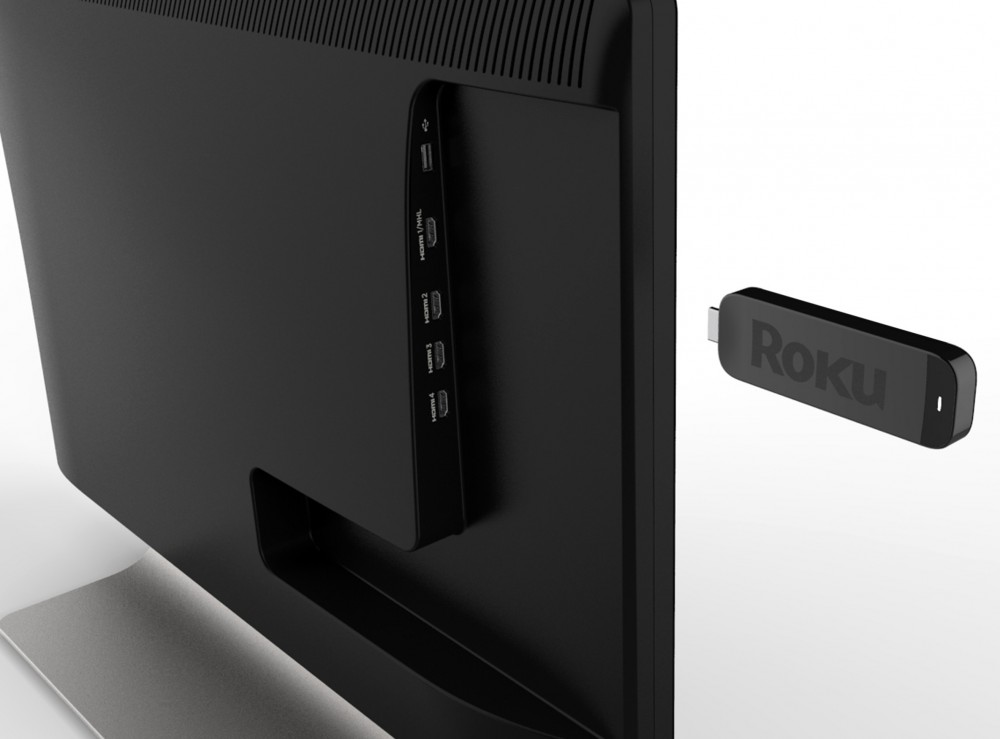
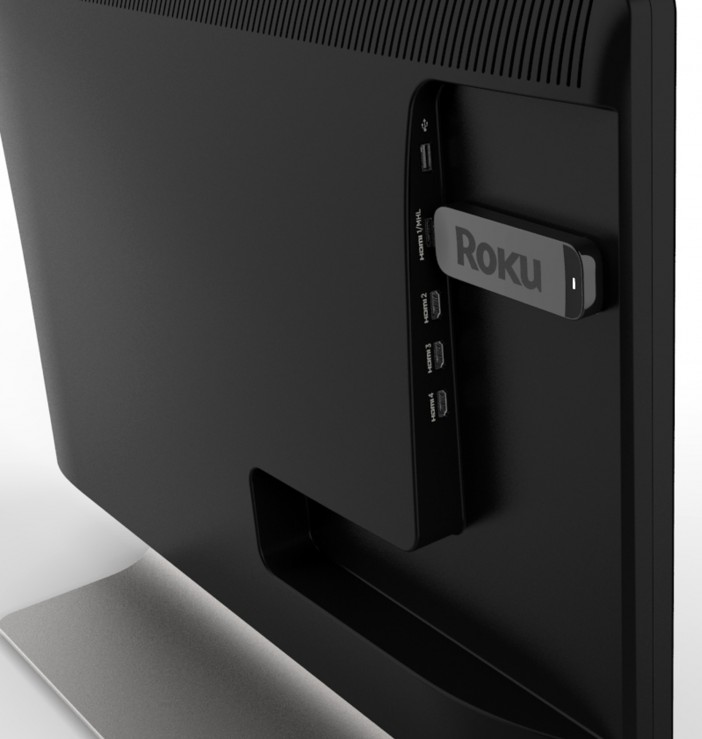
So what is the stick? It’s a Roku box, only smaller. It is Roku’s entry into the Connected TV, or Smart TV, market. The stick contains the main SoC (System on a Chip) – which is the CPU, video decoder, etc. As well as RAM, Flash, and 802.11n WiFi. It has all of the channels and software features of today’s Roku boxes – on a stick. Everything – power, video and audio output, and control is handled through the single MHL connection.
Part of the MHL standard is that the TV’s remote control is used to control the attached MHL device using CEC (also used on HDMI). With phones this is so you can connect the phone and then sit back on the couch to watch – without a twenty foot MHL cable allowing you to control things from the phone. This works nicely for the Streaming Stick, though it implies the gaming features introduced on the Roku 2 family will be absent as there is no Bluetooth motion controller for the stick and TVs will generally lack such controls.
I have to say, this seems like a very clever solution. Roku rightfully points out that people don’t replace their TVs every two years, yet technology advances rapidly. With mobile devices we have a constant increase in storage, memory, and CPU power, and connected TVs suffer from lock in. What you buy today is what you’re stuck with for however long you keep the TV – and that connected experience will probably seem pretty dated in five years, let alone ten. Software upgrades will only go so far before they run into technological limits. Just as the Series2 TiVo couldn’t support Netflix, YouTube, etc., because it can’t decode H.264, today’s connected TVs may be left out in the cold by the next evolution in video codecs. And even if the hardware is capable, companies won’t update the software for old devices forever.
The Roku Streaming Stick offers the advantages of a decoupled STB, which can be readily (and relatively cheaply) upgraded as technology advances, plus the advantages of a tiny form factor and integration into the TV. Since control is through the TV and it offers a full Roku experience, it should be much like owning a ‘Roku Powered’ connected TV. Perhaps the only slight difference will be having to select the MHL input instead of a dedicated ‘Apps’ button. But if they’re successful in partnering with vendors, such as Insignia, there may well be a ‘Roku’ button on the remotes.
The combination of the form factor and use of MHL is what makes this work. I wonder if we’ll see this imitated by other vendors as well. Google TV, Apple TV, Boxee – all on a stick?
There aren’t any images of an actual Roku Streaming Stick yet, but Roku did post these renders: